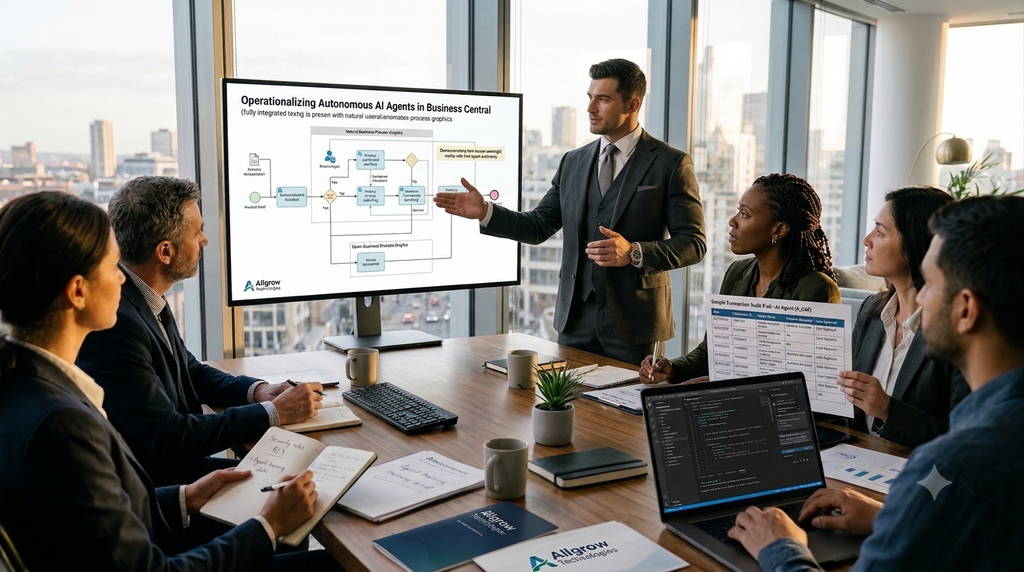
What if a consultant could identify the likely cause of an issue before opening multiple extensions, reviewing dozens of configurations, or searching through months of project documentation? As AI capabilities continue to evolve within the Microsoft ecosystem, this scenario is becoming increasingly realistic for Business Central consultants, support teams, and developers.
The future of Business Central development is not about replacing consultants with AI. It is about helping them deliver business value faster.
Customization Starts Long Before Development
When organizations think about Dynamics 365 Business Central customization, they often focus on development. A new requirement is raised, a developer writes AL code, testing is performed, and the enhancement is deployed.
In reality, most of the effort happens before development even begins.
A request as simple as adding a validation rule to a purchasing process may require consultants to review existing customizations, understand business objectives, analyze dependencies, and evaluate how the change could impact other departments. What appears simple on the surface often becomes a much larger exercise in process analysis and decision-making.
As Business Central environments evolve, they accumulate years of customizations, configurations, integrations, and business rules. The challenge is no longer just building solutions. The challenge is understanding how every piece fits together.
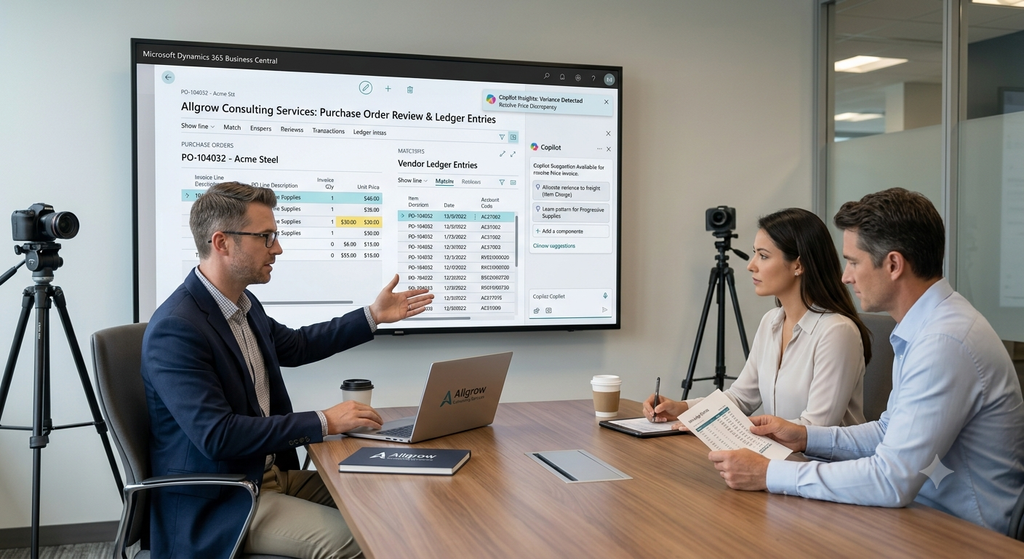
This is where AI is beginning to create value. Rather than manually searching through project documents, support tickets, knowledge bases, and meeting notes, consultants can increasingly leverage AI-powered tools to surface relevant information and gain context more efficiently.
Why Troubleshooting Often Takes Longer Than Development
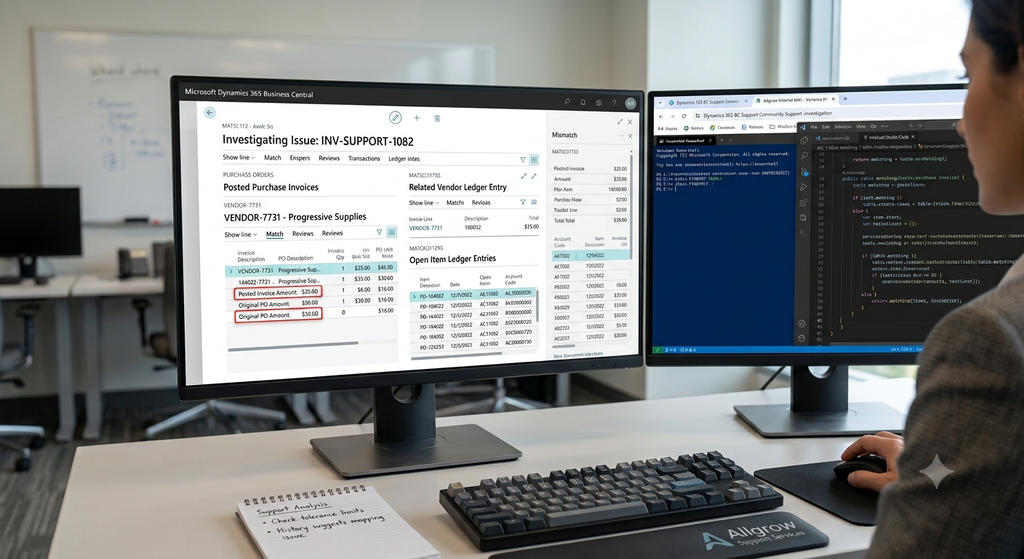
Every Business Central consultant has encountered situations where implementing the solution took less time than finding the actual problem.
A finance manager reports posting inconsistencies. A warehouse user identifies inventory discrepancies. A procurement team notices unexpected approval behavior. Each issue appears straightforward until the investigation begins.
A typical troubleshooting exercise often includes:
- Reviewing recent extensions and customizations
- Analyzing posting transactions and ledger entries
- Validating setup configurations and permissions
- Examining third-party integrations
- Comparing historical changes across environments
- Understanding how users interact with the system
The complexity isn’t always technical. Many issues occur because business processes evolve over time while system configurations remain unchanged. In other cases, different departments follow slightly different procedures that create inconsistencies across the organization.
This is one of the primary reasons support activities consume so much time in ERP projects.
How AI Is Changing the Way Consultants Work
Much of the current conversation around artificial intelligence focuses on code generation. While that is certainly an important capability, the biggest opportunity for Business Central consultants often lies elsewhere.
Consultants spend a significant portion of their day gathering information, reviewing requirements, researching issues, preparing documentation, and navigating historical project knowledge. These tasks are necessary, but they can also be repetitive and time-consuming.
AI Agents are helping reduce this burden by making information easier to access and organize. Instead of manually searching through multiple resources, consultants can retrieve relevant context more quickly, summarize discussions efficiently, and focus their efforts on evaluating solutions rather than locating information.
The result is not fully automated consulting.
The result is more efficient consulting.
Traditional vs AI-Assisted Consulting Activities
The real value of AI is not replacing expertise. It is helping experts apply their knowledge more effectively.
Beyond Troubleshooting: AI as a Development Companion
One of the most promising aspects of AI is that its benefits extend far beyond troubleshooting and support.
Throughout a Business Central project, consultants and developers spend considerable time documenting requirements, reviewing technical designs, preparing specifications, validating business rules, and managing project knowledge. While these activities add value, they often reduce the time available for strategic thinking and customer engagement.
AI is helping organizations streamline many of these responsibilities by making information easier to organize, summarize, and retrieve. Consultants can use AI-assisted tools to accelerate requirement analysis, support documentation efforts, identify relevant project history, and prepare for discussions with stakeholders.
Rather than replacing AL development, AI is acting as a development companion that helps teams work more efficiently. This allows consultants and developers to dedicate more attention to solution architecture, business process optimization, and long-term customer success.
A Real-World Business Central Scenario
Recently, we worked with a mid-sized manufacturing company that was experiencing inconsistencies in its purchase approval process within Dynamics 365 Business Central. The issue appeared shortly after a customization was deployed, leading stakeholders to believe the enhancement was causing the problem.
However, after reviewing workflows, approval entries, and system configurations, we discovered that the customization wasn’t the root cause. Instead, a series of configuration changes made over time had created an unexpected approval path. The new customization simply brought the issue to light.
The actual fix was relatively simple. The real challenge was identifying the source of the problem among multiple processes, configurations, and historical changes. This is where AI-assisted analysis can make a significant difference, helping consultants surface relevant information faster and focus on resolving business issues rather than searching for answers.
Why Human Expertise Still Matters
Recently, AI has become one of the most discussed topics in the ERP space. While the technology continues to evolve rapidly, successful Business Central projects still depend on something AI cannot fully replicate: business context.
A support ticket, customization request, or process improvement initiative rarely comes with a clear answer. Consultants often need to understand how different departments operate, why existing processes were designed a certain way, and what impact a proposed change might have on the broader organization. These decisions require conversations with stakeholders, operational knowledge, and practical experience gained from working across multiple projects.
For example, a manufacturing company may prioritize production continuity, while a distribution business may focus on order fulfillment speed and inventory turnover. The same customization can deliver completely different outcomes depending on the organization’s priorities, processes, and compliance requirements.
The Future of Business Central Customization and Support
Business Central projects are becoming increasingly interconnected, with customizations, integrations, and evolving business processes adding new layers of complexity. As a result, consultants spend more time understanding the environment before recommending the right solution.
AI is helping bridge that gap by making information easier to find, analyze, and act upon. Rather than replacing expertise, it enables consultants to troubleshoot faster, work more efficiently, and focus on solving business challenges.
Ultimately, the future of Business Central customization won’t be defined solely by writing better code. It will be defined by how effectively organizations combine business knowledge, technical expertise, and intelligent technologies to deliver better outcomes.
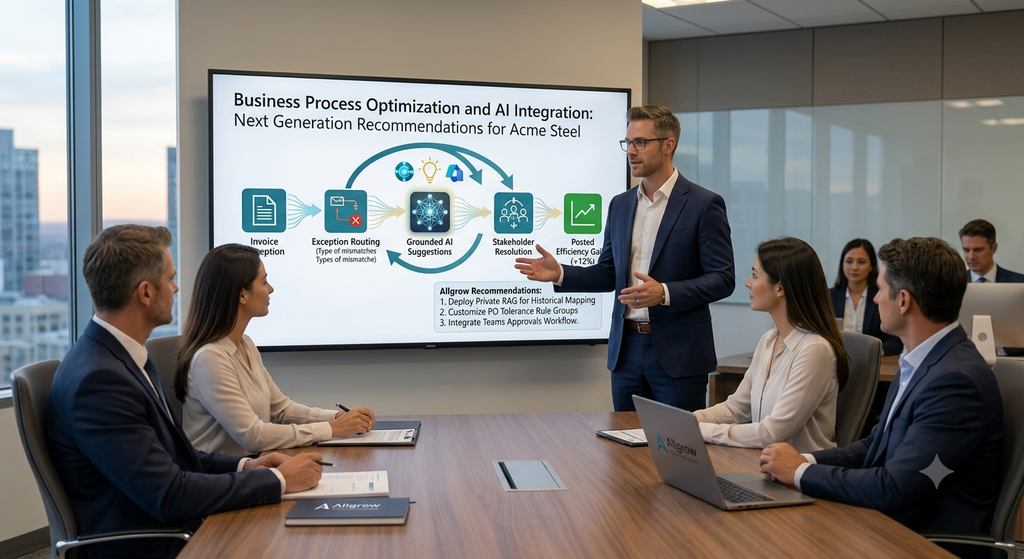
How We Can Help
At Allgrow Technologies, we believe successful Business Central projects are built on a combination of process expertise, technical capability, and continuous innovation.
Our consultants help organizations optimize Microsoft Dynamics 365 Business Central through customization, support, troubleshooting, process improvement, and solution design. Whether you’re planning a new implementation, enhancing existing functionality, or resolving complex operational challenges, our team focuses on delivering practical solutions that generate measurable business value.
As AI continues to reshape the ERP landscape, we remain committed to helping clients leverage new technologies while maintaining the governance, reliability, and business focus required for long-term success. If you’d like to learn more about how we help organizations maximize their Business Central investment, explore our services here.
Final Thoughts
For years, Business Central customization has been associated primarily with AL development. While development remains essential, the future of ERP consulting extends far beyond writing code.
AI Agents are helping consultants work more efficiently by improving access to information, accelerating troubleshooting, enhancing documentation, and reducing repetitive administrative effort. Rather than replacing expertise, they are amplifying it.
Organizations that successfully combine experienced consultants, strong Business Central practices, and AI-powered capabilities will be better positioned to innovate, scale, and deliver long-term value from their ERP investments.