
Power Apps Development
Build custom web and mobile canvas and model-driven applications that digitize field operations, replace spreadsheets, and extend Business Central via custom connectors.
Explore Solution →
Microsoft Low-Code Platform
Allgrow Technologies delivers outcome-focused Microsoft Power Platform consulting, custom low-code application development, workflow automation, and governance for growing enterprises across the United States. We integrate Power Apps, Power Automate, Power BI, Power Pages, Dataverse, and Copilot directly with your core Dynamics 365 Business Central ERP to eliminate manual friction and drive operational velocity.
The case for change
Many organizations invest in ERP and CRM platforms but continue to rely on spreadsheets, emails, manual approvals, paper forms, and disconnected systems for everyday business operations. These disconnected processes slow productivity, increase operational costs, and limit business visibility. Building custom software from scratch is often expensive and difficult to maintain, while standalone automation tools rarely provide enterprise-wide value. Organizations need a unified platform that enables rapid innovation while integrating seamlessly with existing Microsoft technologies.
Why the usual options fall short
One ecosystem, end to end
Solution
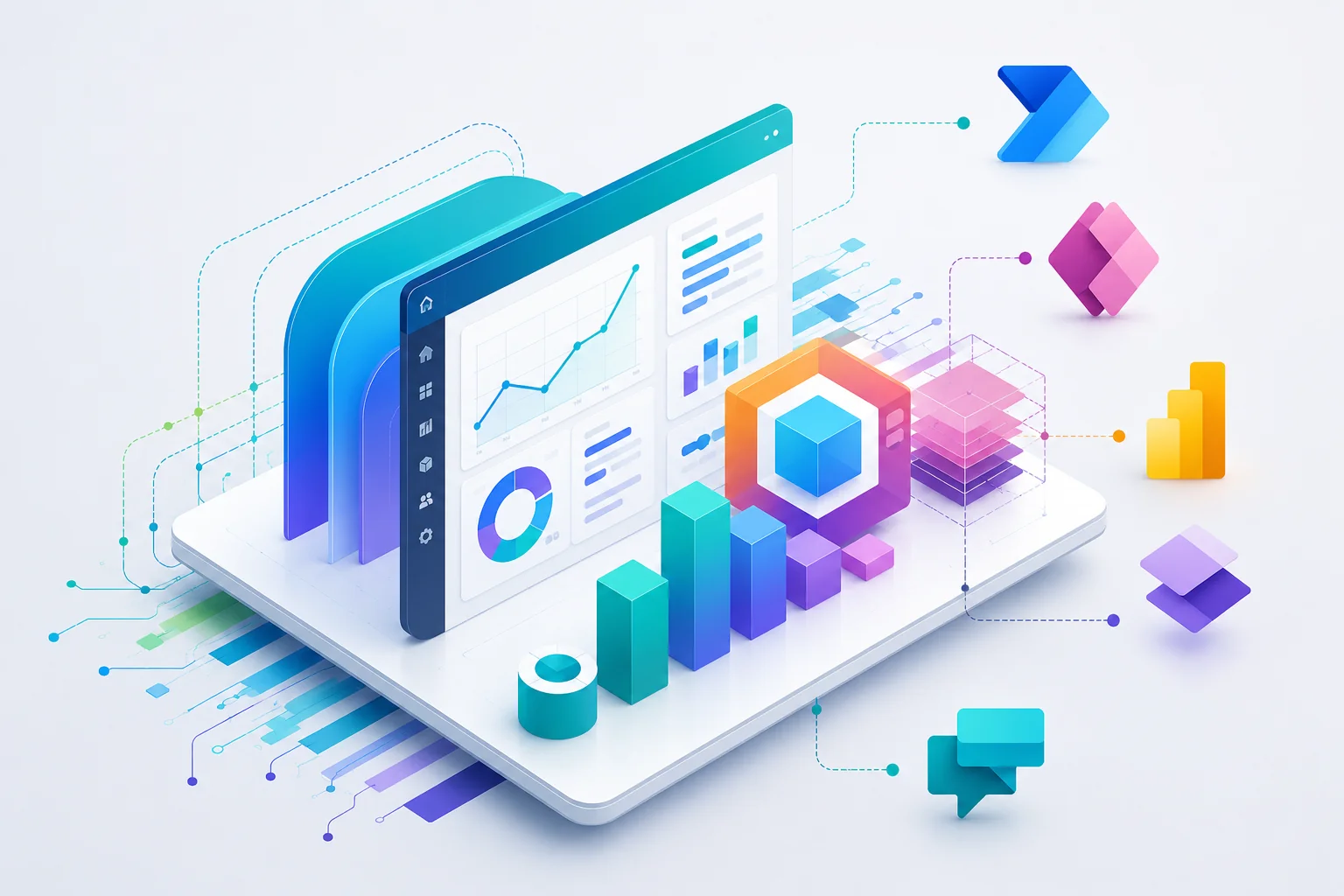
Our Microsoft Power Platform solutions help organizations modernize operations by connecting applications, workflows, business intelligence, AI, and enterprise data into one intelligent ecosystem. Whether extending Business Central, building custom applications, automating approvals, developing customer portals, implementing AI assistants, or creating executive dashboards, Power Platform enables organizations to innovate faster while maintaining enterprise security and governance.
The six components of the platform, and what each one does for the business.
Build custom web and mobile canvas and model-driven applications that digitize field operations, replace spreadsheets, and extend Business Central via custom connectors.
Explore Solution →Automate multi-step approvals, notifications, document processing, invoice extraction with AI Builder, and repetitive cross-system business operations.
Explore Solution →Transform disparate operational data into interactive, real-time executive dashboards with Microsoft Fabric and Business Central financial telemetry.
Explore Solution →Develop secure, responsive customer, vendor, and partner self-service portals connected directly to Dataverse and Business Central.
Explore Solution →Establish a single source of truth using Microsoft Dataverse with Virtual Tables that read and write directly to Business Central without data duplication.
Explore Solution →Implement the Power Platform Center of Excellence (CoE), Application Lifecycle Management (ALM) pipelines, environment isolation, and Data Loss Prevention (DLP) controls.
Explore Solution →Power Platform in action
A growing manufacturing company wanted to replace manual procurement approvals, paper-based inspections, spreadsheet reporting, and disconnected supplier communications. Using Microsoft Power Platform, mobile inspection applications were built with Power Apps, procurement approvals were automated through Power Automate, suppliers gained access to secure Power Pages portals, operational data was centralized within Dataverse, Business Central managed ERP processes, and executives monitored performance through Power BI dashboards. The result was a connected digital workplace where employees, customers, vendors, and leadership worked from one integrated Microsoft ecosystem.
What was replaced, and what built it
Business Central kept running the ERP processes throughout - employees, customers, vendors and leadership simply worked from one connected ecosystem.
Enterprise Data Architecture
The enterprise data backbone unifying applications, automations, Business Central, and analytics into one governed relational database.
Accelerate app delivery with out-of-the-box standard entities (Accounts, Contacts, Vendors, Invoices) mapped seamlessly between Dynamics 365, Power Apps, and Microsoft 365 without schema fragmentation.
Surface live Business Central and SQL Server data as native Dataverse tables via OData v4 with zero data replication, zero storage costs, and sub-second bi-directional execution.
Enforce defense-in-depth governance with business unit hierarchies, team-based security roles, row-level ownership, and column-level masking backed by Microsoft Entra ID authentication.
Continuously export and mirror operational Dataverse telemetry into Azure Synapse Analytics and Microsoft Fabric OneLake in Delta Parquet format for enterprise Power BI dashboards.
Realize the full value of a connected Microsoft ecosystem.
Deliver new business solutions rapidly without lengthy development cycles.
Eliminate manual work through intelligent automation and custom business applications.
Enhance ERP capabilities without modifying the core application using Microsoft's modern low-code platform.
Integrate Microsoft 365, Azure, Business Central, Dynamics 365, Dataverse, Power BI, and third-party applications into one connected ecosystem.
Deploy Microsoft Copilot, AI Builder, intelligent document processing, and AI-powered business automation.
Create scalable business applications that evolve alongside your organization while maintaining enterprise governance and security.
Explore how mid-market finance teams achieve an 82% touchless invoice extraction rate by pairing Power Automate triggers, AI Builder Document Processing, Teams Adaptive Cards, and Business Central ERP.
Why Allgrow
At Allgrow, we combine Power Platform expertise with Microsoft Dynamics 365, Business Central, Azure, Microsoft Fabric, AI, and enterprise integration experience to deliver complete business solutions - not isolated applications.
Whether you're automating finance, modernizing operations, building customer portals, developing mobile applications, or implementing enterprise AI, we help organizations maximize the full value of Microsoft's business technology ecosystem.
United States Delivery
Headquartered in Longwood, Florida, Allgrow provides Microsoft Power Platform consulting, Center of Excellence governance, custom application development, and workflow automation nationwide. We support enterprise clients across EST, CST, and PST time zones with direct principal architect engagement and deep ERP engineering integration.
Questions
Our consulting engagements include technology roadmap discovery, architecture design, Center of Excellence (CoE) setup, custom Power Apps and Power Automate development, Business Central ERP integration, Dataverse modeling, and ongoing managed support with guaranteed SLAs.
Allgrow Technologies is an enterprise technology consultancy headquartered in Longwood, Florida (349 Bahia Circle, Longwood, FL 32750). We combine deep ERP engineering expertise with advanced Power Platform architecture, providing nationwide consulting across US time zones with zero proprietary lock-in and complete code/IP ownership.
Power Platform connects to Business Central via standard connectors, custom AL API pages, and Dataverse Virtual Tables. This enables Power Apps, Power Automate, and Power Pages to read and write live ERP data with sub-second execution without creating duplicate data silos.
We configure multi-environment architecture (Dev, Test, Prod), automated CI/CD deployment pipelines using Azure DevOps or GitHub Actions, Data Loss Prevention (DLP) policies to block unauthorized data exfiltration, and Microsoft Entra ID (Azure AD) role-based access control.
Yes. Microsoft Copilot, Copilot Studio custom agents, AI Builder document extraction models, and Azure OpenAI services can all be integrated into Power Apps, Power Automate, and Power Pages to automate intelligent decisions and conversational queries.
Yes. We build custom API connectors for Salesforce, HubSpot, SAP, legacy SQL Server databases, REST/GraphQL endpoints, and external payment or logistics webhooks.
Microsoft Dataverse is a cloud-scale relational database service and Common Data Model (CDM) that acts as the single source of truth for Power Platform applications. Unlike basic spreadsheets or flat lists, Dataverse provides enterprise data validation, rich relational modeling, hierarchical role-based security, automated audit logging, and native integration with Dynamics 365 and Microsoft 365.
Dataverse Virtual Tables allow Power Apps and Power Automate to read, create, update, and delete Business Central records in real time via OData v4 APIs without replicating data. This eliminates storage duplication, removes batch sync latency, and ensures all apps interact directly with live ERP financial and operational records.
Microsoft Dataverse enforces defense-in-depth security backed by Microsoft Entra ID (Azure AD). It provides business unit hierarchies, team-based security roles, row-level ownership, and column-level data masking. Access policies can be restricted dynamically based on user identity, device compliance, and IP location.
Keep exploring
Next step
Whether you're automating workflows, building custom applications, or connecting your business data, Allgrow can help you maximize the value of Microsoft Power Platform to drive sustainable business growth.
100% Free · No Obligation · Senior Architects


