Approval Automation
Digitize purchase approvals, expense approvals, leave requests, document reviews, contract approvals, and financial authorization workflows.

Microsoft Power Platform
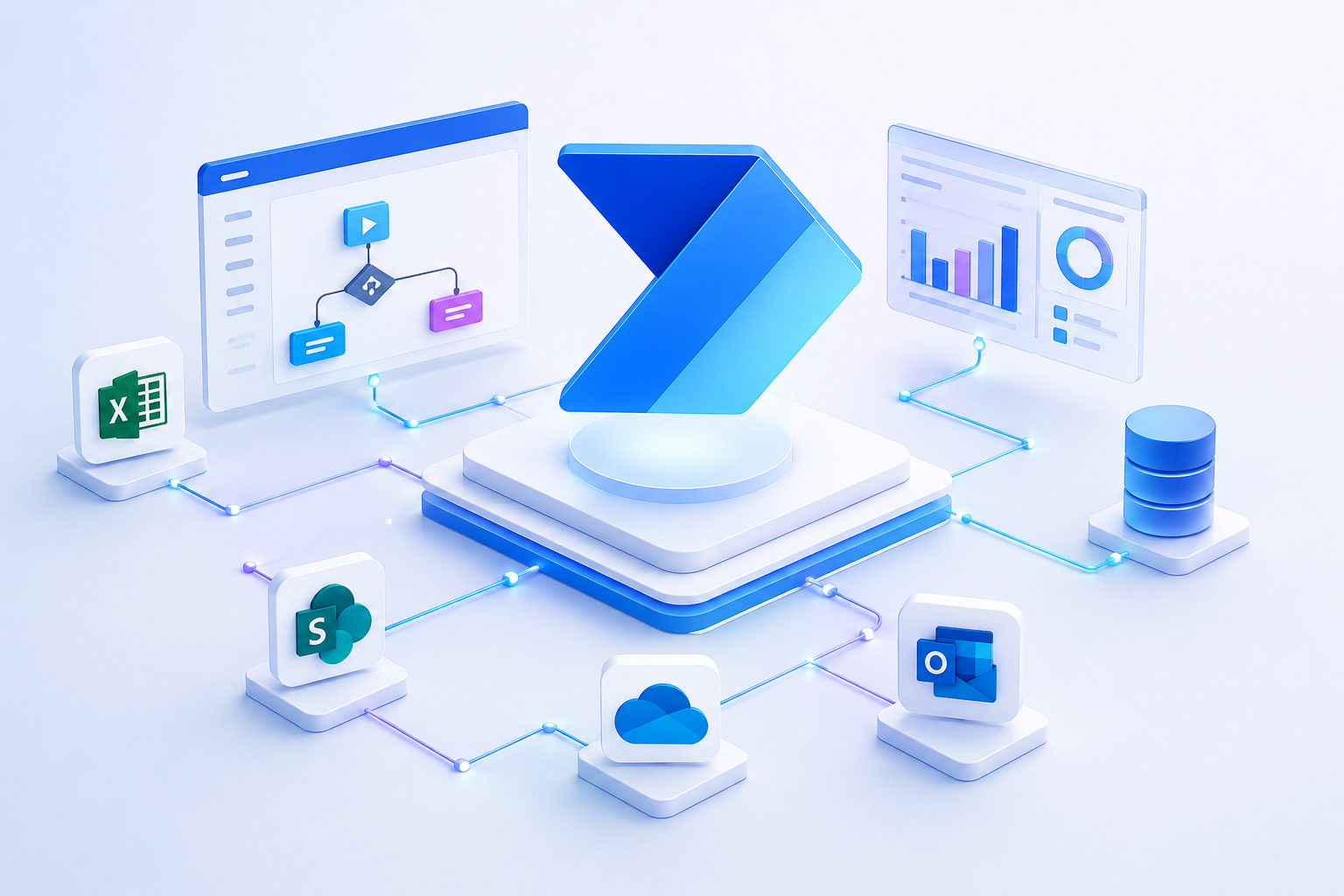
Manual, repetitive tasks consume valuable time and slow business growth. Microsoft Power Automate enables organizations to automate approvals, notifications, document processing, system integrations, and business workflows across Microsoft 365, Dynamics 365, Business Central, and hundreds of enterprise applications - improving efficiency while reducing operational costs.
The case for change
Employees spend countless hours processing approvals, updating spreadsheets, routing documents, sending emails, entering data, and coordinating tasks across multiple business applications. These repetitive activities not only reduce productivity but also introduce delays, errors, and inconsistent business processes. As organizations grow, manual workflows become increasingly difficult to manage, making it harder to maintain operational efficiency and deliver consistent customer experiences. Modern businesses require intelligent automation that connects people, applications, and business processes.
A single request, handled by hand
Repeat this across every department, every day, and the cost is measured in weeks of lost capacity - not minutes.
How the workflow layer sits in your estate
Solution
Our Microsoft Power Automate solutions help organizations automate end-to-end business processes without replacing existing systems. We design secure workflows that connect Microsoft Dynamics 365, Business Central, Microsoft 365, SharePoint, Dataverse, Outlook, Teams, Azure, and third-party applications through intelligent automation. From simple approval flows to enterprise-wide process automation, we help eliminate repetitive work so employees can focus on higher-value activities.
What we build, from a first approval flow to automation running across the whole business.
Digitize purchase approvals, expense approvals, leave requests, document reviews, contract approvals, and financial authorization workflows.
Automate sales order processing, invoice generation, customer notifications, inventory updates, procurement workflows, and financial processes directly within Business Central.
Automatically capture documents, extract information using AI, route approvals, archive files, and trigger downstream business processes.
Connect Outlook, Teams, SharePoint, Excel, OneDrive, and Microsoft Forms to automate collaboration and information sharing across departments.
Integrate Dynamics 365, Dataverse, SQL Server, Azure, REST APIs, Salesforce, SAP, Oracle, and hundreds of business applications through Microsoft's connector ecosystem.
Combine Power Automate with AI Builder, Microsoft Copilot, OCR, document intelligence, and intelligent decision-making to automate complex business scenarios.
Automation in action
A procurement manager receives dozens of purchase requests every day through emails and spreadsheets. Using Microsoft Power Automate, employees submit requests through a Power App, approvals are automatically routed based on approval limits, Business Central generates purchase orders upon approval, suppliers receive notifications, and finance teams are updated instantly. If supporting documents are required, AI extracts relevant information automatically and stores it within SharePoint. Managers receive Microsoft Teams notifications throughout the approval process, while Power BI dashboards provide visibility into approval times, procurement performance, and operational efficiency.
The same request, running end to end
Transform manual workflows into powerful digital solutions.
Reduce manual work by automating routine business activities across every department.
Complete approvals, notifications, document routing, and operational workflows significantly faster.
Reduce human error through standardized, automated workflows and business rules.
Allow teams to focus on strategic work instead of repetitive administrative tasks.
Create seamless workflows across Microsoft and third-party business systems.
Deploy automation that grows alongside your business without increasing operational complexity.
Why Allgrow
At Allgrow, we design Power Automate solutions that improve entire business processes - not just automate individual tasks. Our expertise across Microsoft Business Central, Dynamics 365, Power Apps, Dataverse, Azure, AI, and enterprise integrations enables us to create intelligent automation that supports finance, procurement, sales, HR, operations, manufacturing, and customer service.
Every workflow is designed to improve efficiency, strengthen governance, and create measurable business outcomes.
Questions
Microsoft Power Automate is a workflow automation platform that enables organizations to automate repetitive business processes across Microsoft and third-party applications using low-code technology.
Yes. Power Automate integrates natively with Microsoft Dynamics 365 Business Central to automate approvals, invoices, procurement, notifications, inventory updates, customer communications, and financial workflows.
Power Automate supports Microsoft 365, SharePoint, Teams, Outlook, Dataverse, Dynamics 365, SQL Server, Azure, Salesforce, SAP, Oracle, REST APIs, and hundreds of enterprise applications.
Yes. AI Builder and Microsoft Copilot enable intelligent document processing, OCR, form recognition, sentiment analysis, email classification, and automated business decision support.
Absolutely. Purchase approvals, invoices, contracts, HR requests, expense claims, vendor onboarding, and operational workflows can all be fully automated.
Yes. Enterprise-grade governance, security, compliance, auditing, and centralized management make Power Automate suitable for organizations of all sizes.
Yes. A single workflow can interact with Business Central, CRM, SharePoint, Teams, Outlook, Azure, SQL databases, APIs, and external business applications simultaneously.
Yes. We provide process assessment, workflow design, Power Platform consulting, Business Central integration, AI automation, governance, user training, and ongoing managed support.
Keep exploring
Next step
Whether you're streamlining approvals, integrating Business Central, or building enterprise-wide workflows, Allgrow can help you design and deploy intelligent automation that saves time and reduces operational costs.
100% Free · No Obligation · Senior Architects