Microsoft 365 Copilot
Generate emails, summarize meetings, draft documents, analyze Excel data, prepare presentations, and improve collaboration across Outlook, Teams, Word, Excel, and PowerPoint.

Microsoft AI Solutions
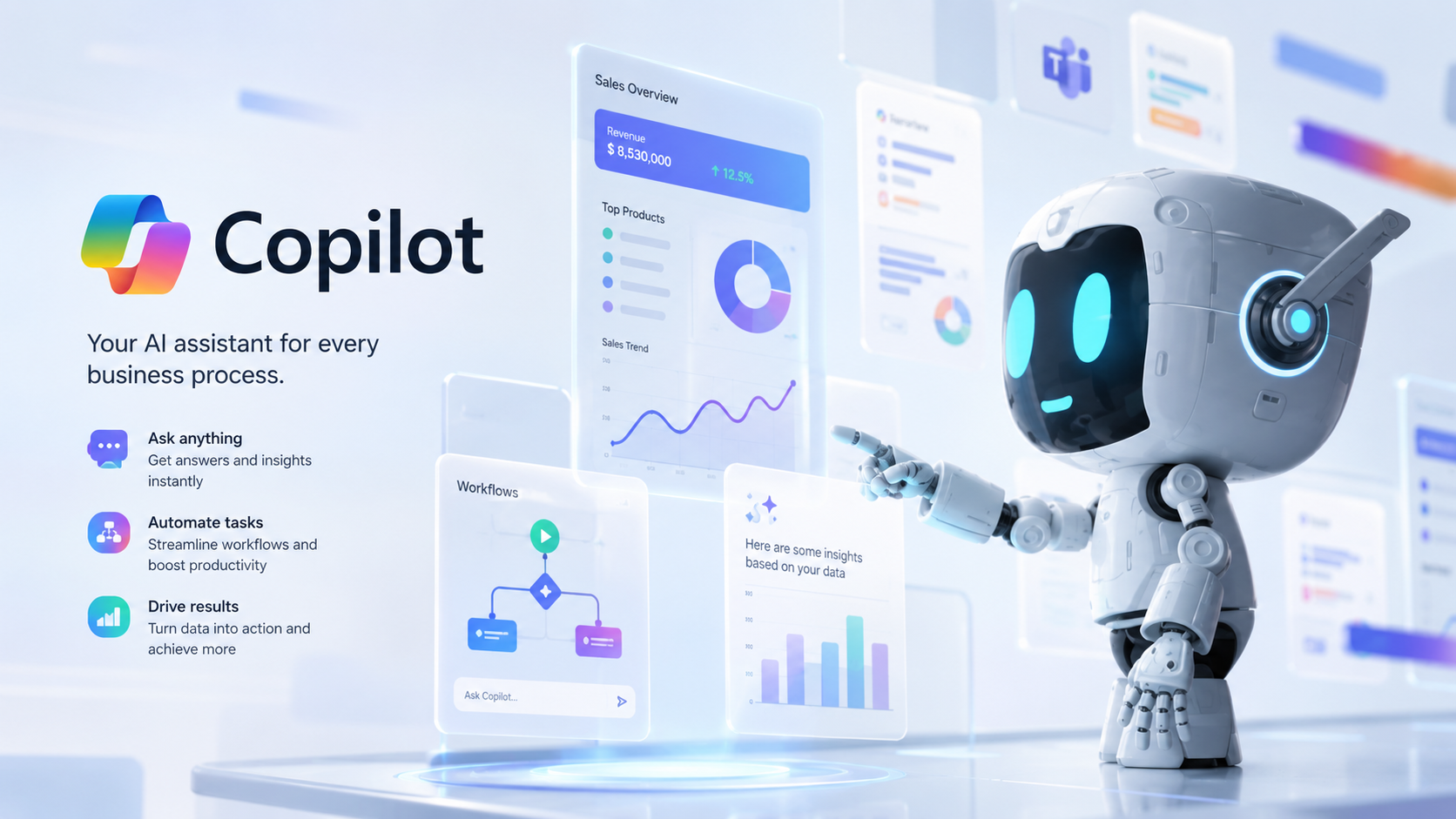
Artificial Intelligence should help employees work smarter - not replace them. Microsoft Copilot brings generative AI directly into Microsoft 365, Dynamics 365, Business Central, Power Platform, and enterprise applications, helping teams automate repetitive work, retrieve business knowledge instantly, generate content, analyze data, and make faster, more informed decisions.
The case for change
Modern organizations generate enormous amounts of business data across emails, documents, ERP systems, CRM platforms, meetings, spreadsheets, and business applications. Employees often spend hours searching for information, preparing reports, writing emails, summarizing meetings, answering repetitive questions, and manually completing routine tasks. As businesses grow, this administrative workload reduces productivity and slows decision-making. Organizations need AI that works securely within their existing business environment while respecting enterprise governance and data security.
What manual overhead costs your team
Without integrated enterprise AI, teams lose productive focus to manual search and routine administration.
Connected enterprise AI architecture
Solution
Our Microsoft Copilot solutions help organizations embed AI into daily operations across Microsoft 365, Dynamics 365, Business Central, Power Platform, and custom enterprise applications. Whether assisting finance teams, supporting sales representatives, automating customer service, accelerating document processing, or enabling executives with AI-powered insights, Microsoft Copilot becomes a secure productivity assistant that helps employees accomplish more with less manual effort.
What we build and deploy, from Microsoft 365 Copilot adoption to custom AI assistants and enterprise governance.
Generate emails, summarize meetings, draft documents, analyze Excel data, prepare presentations, and improve collaboration across Outlook, Teams, Word, Excel, and PowerPoint.
Assist users with financial analysis, product information, inventory insights, sales orders, purchasing, reporting, and everyday ERP tasks directly within Business Central.
Help sales, customer service, finance, and operations teams generate customer responses, summarize opportunities, recommend next actions, and improve productivity.
Develop custom Copilot experiences that answer business questions using enterprise knowledge, internal documentation, ERP data, CRM information, and operational systems.
Combine Copilot with Power Apps, Power Automate, Power Pages, and Dataverse to create AI-powered business applications and intelligent workflow automation.
Implement secure AI architectures with Microsoft Entra ID, role-based permissions, enterprise governance, data security, compliance, and responsible AI practices.
Microsoft Copilot in action
A procurement manager asks Microsoft Copilot to summarize outstanding purchase orders, identify delayed suppliers, and recommend inventory replenishment. Copilot retrieves information from Business Central, analyzes supplier performance, reviews inventory levels, and presents a concise summary with recommended actions. Meanwhile, sales teams generate personalized customer emails, finance teams receive AI-assisted financial summaries, executives review live business dashboards, and customer service representatives retrieve answers from internal knowledge bases without searching through multiple systems. Instead of replacing employees, Copilot helps every team make better decisions faster.
Enterprise data turned into everyday action
Grounded in your business data with Microsoft Graph, semantic search, and role-based security.
Realize the full productivity value of enterprise artificial intelligence.
Reduce time spent on repetitive administrative work and information retrieval.
Provide AI-assisted insights based on trusted enterprise data.
Allow employees to retrieve information instantly without searching multiple applications.
Generate emails, summaries, reports, presentations, customer responses, and business documentation using AI.
Bring AI capabilities directly into Microsoft 365, Business Central, Dynamics 365, and Power Platform.
Create a secure enterprise AI strategy that scales alongside business growth.
Why Allgrow
At Allgrow Technologies, we believe successful AI adoption is not about deploying another chatbot - it's about integrating intelligence into the way your business already operates.
Our expertise spans Microsoft Copilot, Azure AI, Dynamics 365, Business Central, Power Platform, Microsoft Fabric, enterprise integrations, Retrieval-Augmented Generation (RAG), AI agents, and custom software development. This enables us to build AI solutions that work with your business processes instead of around them.
Whether you're deploying Microsoft 365 Copilot, extending Business Central with AI, building custom enterprise copilots, creating knowledge assistants, or developing industry-specific AI agents, we help transform AI from a productivity experiment into a measurable business advantage.
Questions
Microsoft Copilot is Microsoft's AI assistant that integrates with Microsoft 365, Dynamics 365, Business Central, Power Platform, and other Microsoft services to help users generate content, analyze data, automate tasks, and improve productivity.
Yes. Microsoft Copilot works within Business Central to assist users with financial analysis, inventory insights, reporting, purchasing, sales, and ERP-related tasks.
Absolutely. We develop custom Copilot solutions that connect securely with your ERP, CRM, internal documentation, knowledge bases, APIs, and enterprise systems.
Yes. Microsoft Copilot follows Microsoft's enterprise security model, including Microsoft Entra ID authentication, role-based access, compliance controls, and organizational data governance.
Yes. Combined with Power Platform, Copilot can trigger workflows, retrieve business information, generate documents, assist employees, and automate repetitive operational tasks.
Manufacturing, healthcare, finance, retail, professional services, logistics, distribution, and organizations seeking to improve employee productivity and operational efficiency all benefit from Copilot.
ChatGPT is a general-purpose AI assistant, while Microsoft Copilot is designed to work securely within Microsoft's enterprise ecosystem, using organizational data, Microsoft 365, Dynamics 365, Business Central, and Power Platform to assist employees within their daily workflows.
Yes. We provide AI strategy, Microsoft Copilot implementation, custom AI assistants, enterprise integrations, RAG solutions, AI governance, user training, managed support, and continuous optimization to help organizations adopt AI with confidence.
Keep exploring
Next step
Whether you're deploying Microsoft 365 Copilot, extending Business Central with AI, building custom enterprise copilots, creating knowledge assistants, or developing an enterprise AI strategy, Allgrow can help you integrate artificial intelligence into your business operations.
100% Free · No Obligation · Senior Architects